Free link in bio for Minecraft creators
One link for everything you make
Your skin waving in 3D, your channel, Discord and mods, and the thumbnails you make, on one page you can put in every bio.
Your Name
Minecraft videos every week. Links below.
- My YouTube channel
- Join my Discord
- My modpack on Modrinth
- Follow me on X
Thumbnails
3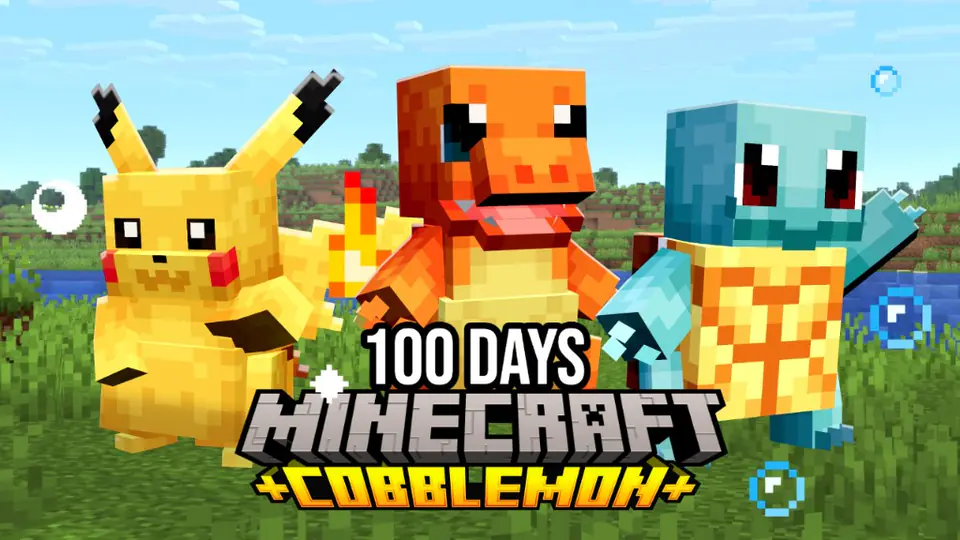
100 days in cobblemon
412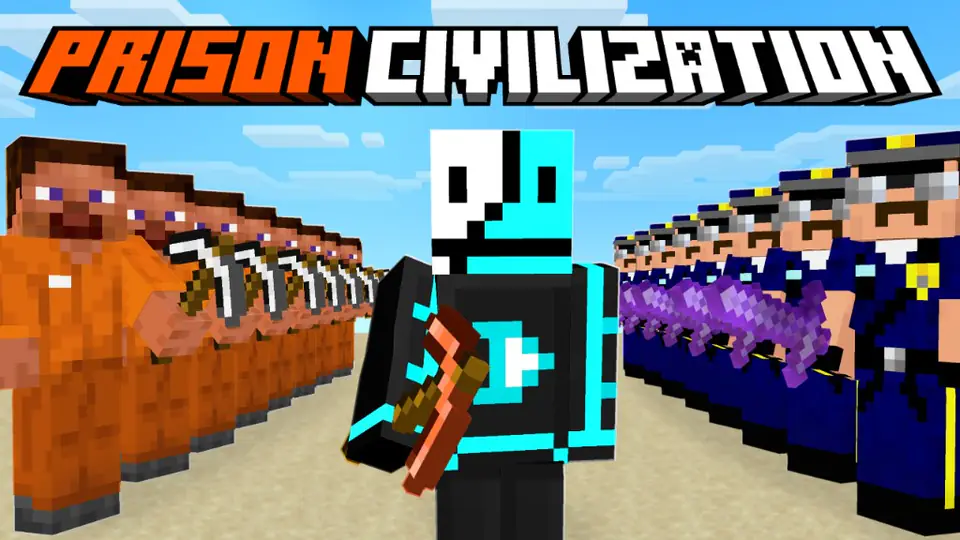
manhunt but...
268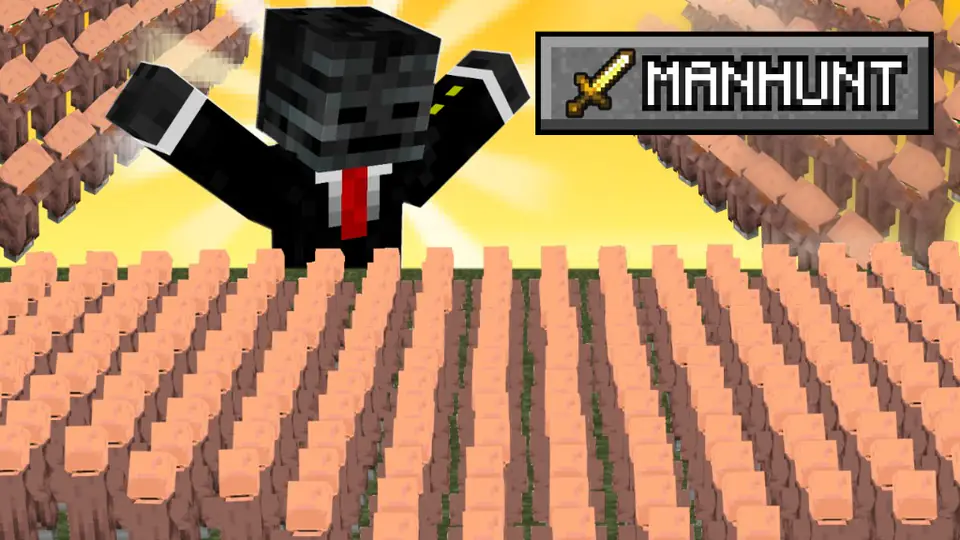
my best build yet
151Links to the places your viewers are
- YouTube
- Twitch
- TikTok
- X
- Discord
- Kick
- Modrinth
- CurseForge
- MCPEDL
- SpigotMC
- Patreon
- Ko-fi
- Behance
- GitHub
Built for the way Minecraft creators share
Generic link pages are a list of buttons. Yours starts with your skin, then does the busywork for you.
Paste a link, it names itself
A YouTube link becomes your channel's name, a Discord invite becomes "Join my Discord", and Modrinth, CurseForge and SpigotMC links get their real logos.
See what people actually tap
Every link counts its clicks, with bots filtered out, so you know whether your Discord or your channel is doing the work.
- My YouTube channel2,140
- Join my Discord1,284
- My modpack on Modrinth512
- Follow me on X167
Your thumbnails fill the page
Thumbnails and poses you publish on MCRender show up under your links on their own. A portfolio without the extra upload.


One colour themes it all
Pick a colour, or let it come from your skin or channel banner. Five button styles, three shapes.
Found and shared
Public pages can show up on Google, and every page gets its own share image.
Verified badge
Creators can apply for a badge. Hobby and Creator add name fonts, effects and colours.
A Linktree alternative built for Minecraft
Everything you expect from a link in bio, plus the parts only a Minecraft tool can do. Switching is pasting your links in.
| Feature | MCRender | Others |
|---|---|---|
| Free page with up to 12 links | ||
| Click tracking per link | ||
| Your Minecraft skin, animated in 3D | ||
| Theme picked from your skin or channel banner | ||
| Thumbnails and poses shown automatically | ||
| Modrinth, CurseForge and MCPEDL logos |
Your page in under a minute
- Step 1
Type your Minecraft name
Your skin loads in 3D and the page picks colours that make it stand out. No Minecraft name? Your profile picture is used instead.
- Step 2
Add your links
Paste a link and it's named for you: a YouTube channel becomes its channel name, a Discord invite becomes "Join my Discord".
- Step 3
Put it in your bio
Copy mcrender.net/u/yourname into your YouTube, TikTok, Twitch, Instagram or X bio, or share it straight from the page.
Questions, answered
Something else? Ask us. We read every message.
What is a link in bio?
Most social apps give you room for one link in your profile. A link in bio is a single page that holds all your other links, so that one link can send people to your channel, Discord, store and socials.
How do you access a link in bio?
Tap the link on the creator's profile, usually under their name or bio. It opens their page in the browser, with a button for each place they want you to go. For MCRender pages the link looks like mcrender.net/u/name.
Which free link in bio tool is best for Minecraft creators?
General tools like Linktree work for anyone. MCRender's link in bio is made for Minecraft: it shows your skin in 3D, recognises Modrinth, CurseForge and Planet Minecraft links, and fills itself with the thumbnails and poses you make on MCRender.
Is it really free?
Yes. The page, up to 12 links, the 3D skin, themes, button styles and click tracking are free. Custom name fonts, effects and colours come with the Hobby and Creator plans.
Is this a Linktree alternative?
Yes. It does the same job, one link for everything, and adds what a Minecraft creator needs: your skin, your thumbnails and Minecraft site logos. You can switch by pasting your links in; nothing needs exporting.
What links can I add?
Social and video platforms (YouTube, Twitch, Kick, TikTok, X, Instagram, Discord, Reddit, Bluesky), support sites (Patreon, Ko-fi, Buy Me a Coffee), portfolios (Behance, ArtStation, Dribbble, GitHub) and Minecraft sites (Modrinth, CurseForge, Planet Minecraft, MCPEDL, SpigotMC, Hangar, BuiltByBit, Polymart, NameMC). Other links are blocked so pages stay safe to click.
Can I see how many people click my links?
Yes. Every link on a public page counts its clicks, with bots filtered out, and you see the numbers in your page editor.
Can I use it as my YouTube, TikTok or Twitch link in bio?
Yes. Paste mcrender.net/u/yourname into the link field of any profile. YouTube channel links, TikTok bios, Twitch panels, Instagram and X bios all accept it.
Do I need a Minecraft account?
No. Any Java Edition name shows that skin, and without one your page uses your profile picture. You need a free MCRender account to save your page.
Claim mcrender.net/u/you
Free, no card. Up to 12 links.
The free link in bio tool for Minecraft YouTubers, streamers and artists
A link in bio tool turns the single link your profile allows into a page with all of them. MCRender's is made for the Minecraft community: YouTubers, streamers, thumbnail artists, mod and map makers, and server owners. Your page leads with your skin in 3D, then your links, then the thumbnails and poses you've published.
It's a free link in bio with up to 12 links, and it counts clicks on every link so you can see what your audience taps. Links are limited to social, support, portfolio and Minecraft sites, which keeps public pages safe to click and lets them be indexed by Google.
More free MCRender tools
- Minecraft PFP maker — a 3D profile picture of your skin to match your page.
- Minecraft thumbnail maker — make thumbnails that show up on your page when you publish them.
- YouTube thumbnail preview — test a thumbnail in the feed before you upload.