The Minecraft studio I wish I had
Type a username and your skin is a posed 3D character in seconds. The thumbnail studio builds the whole picture around it, no Blender or Photoshop. Just need a profile picture? The free Minecraft avatar maker does that.
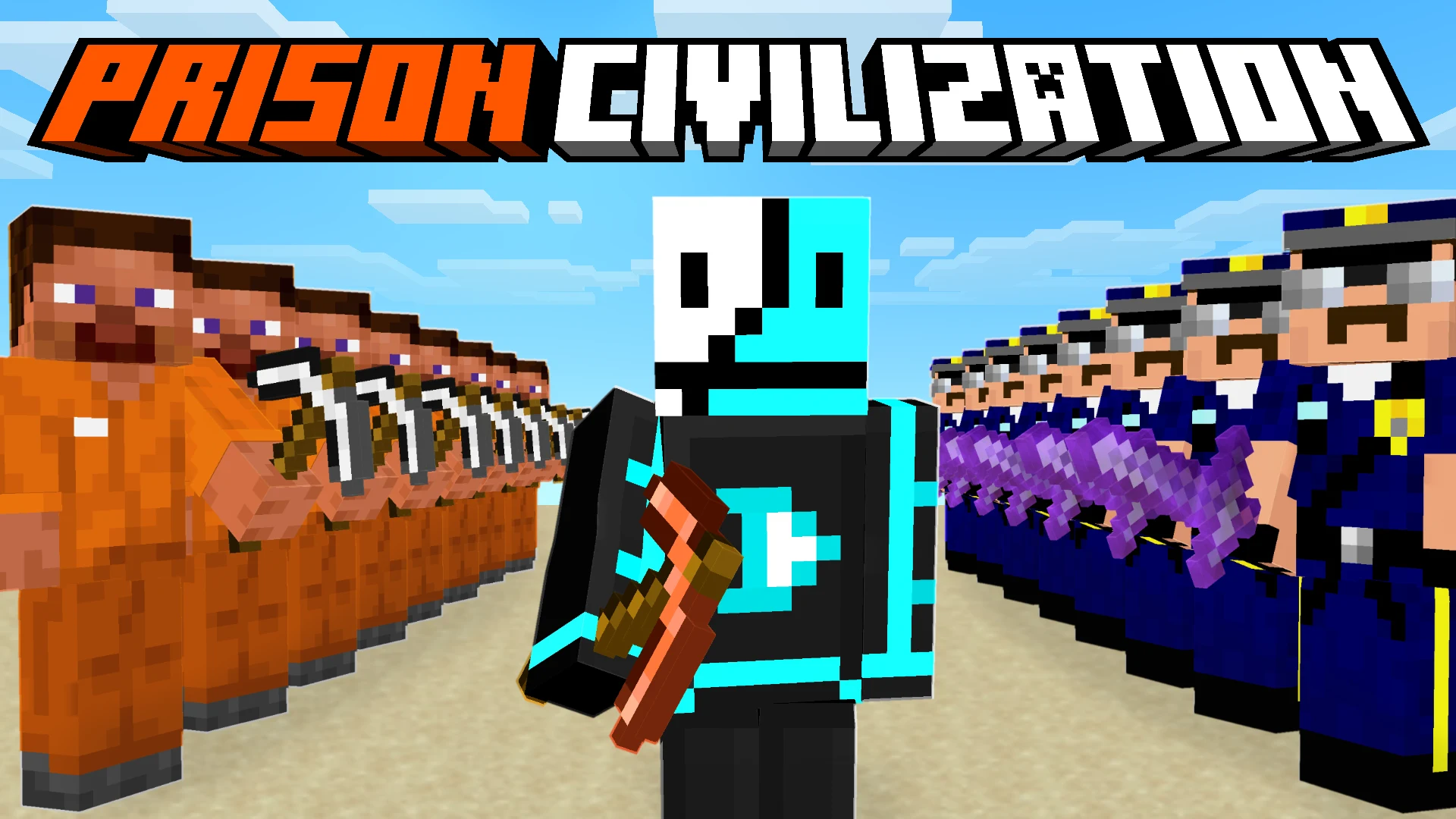
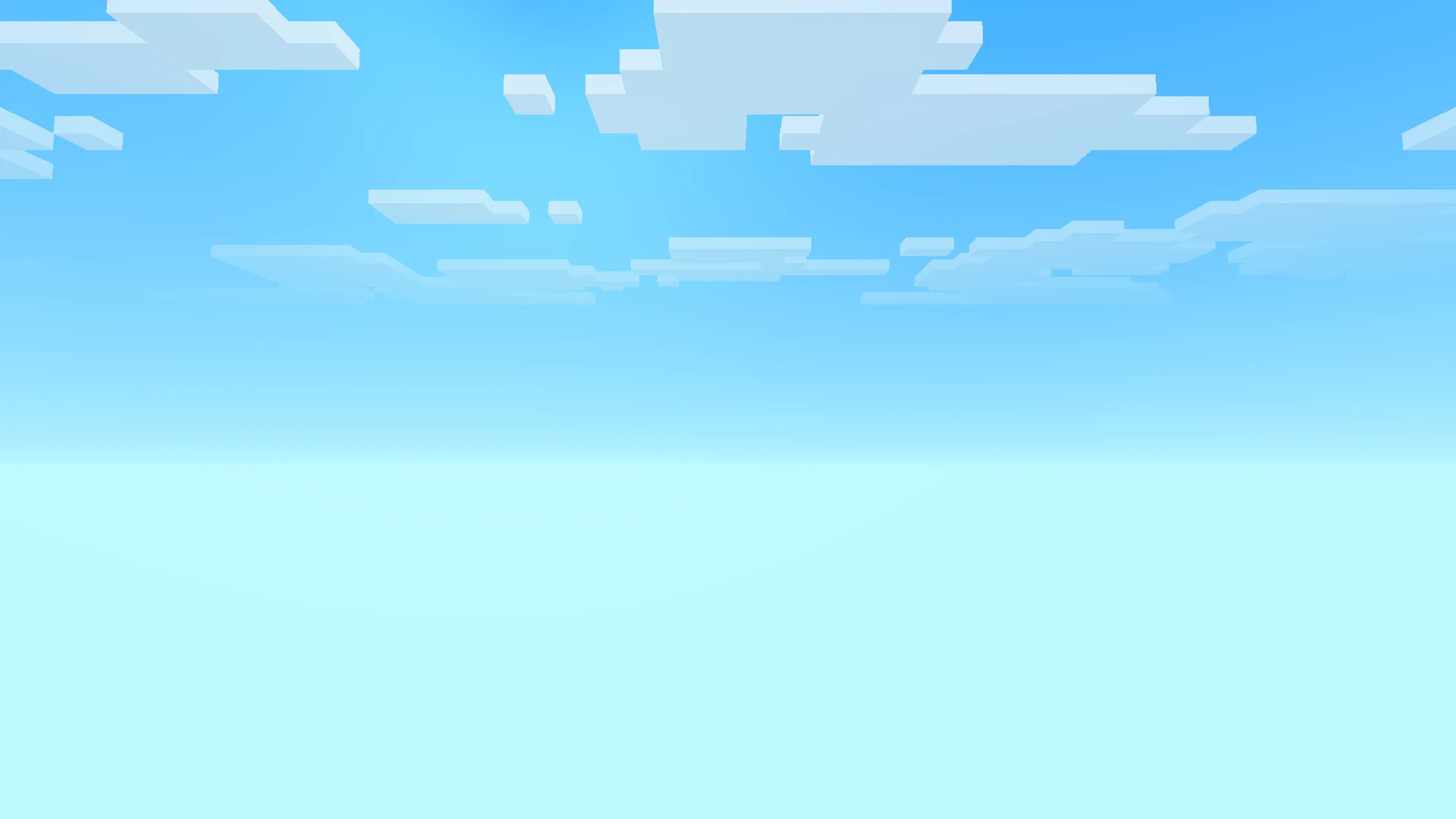
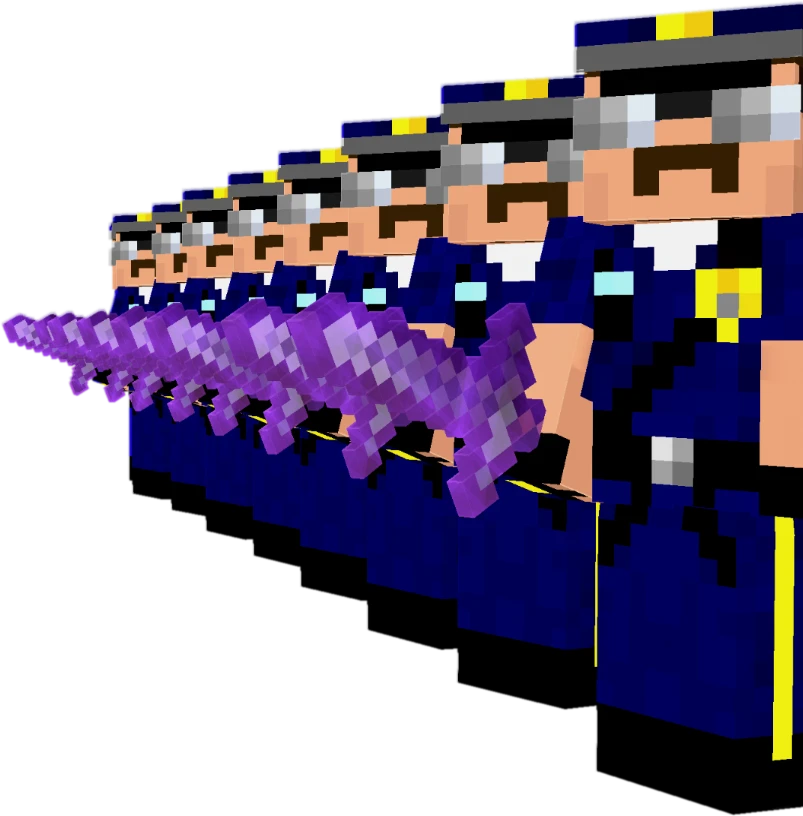
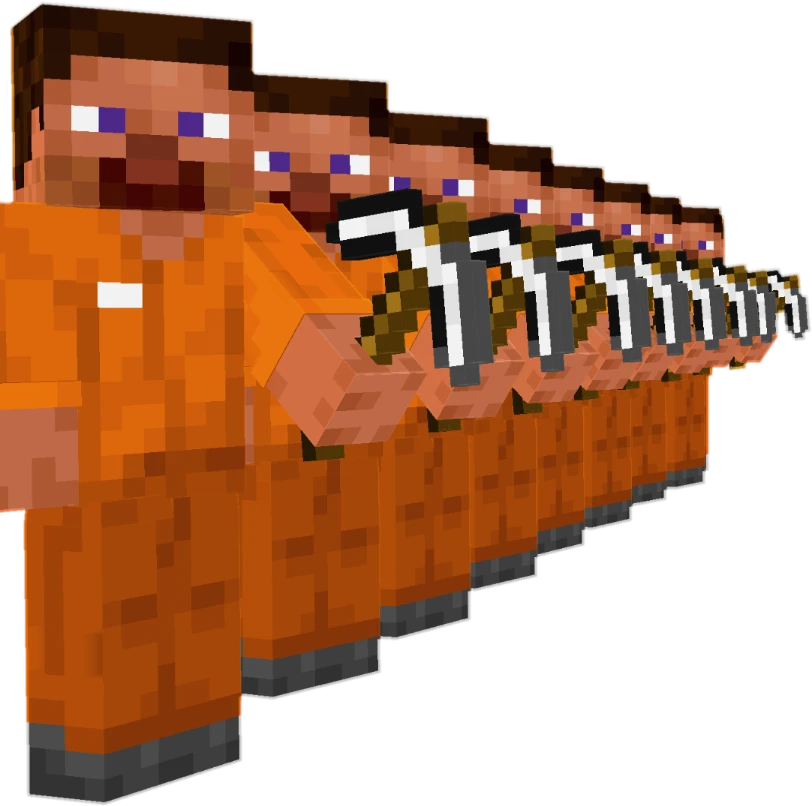
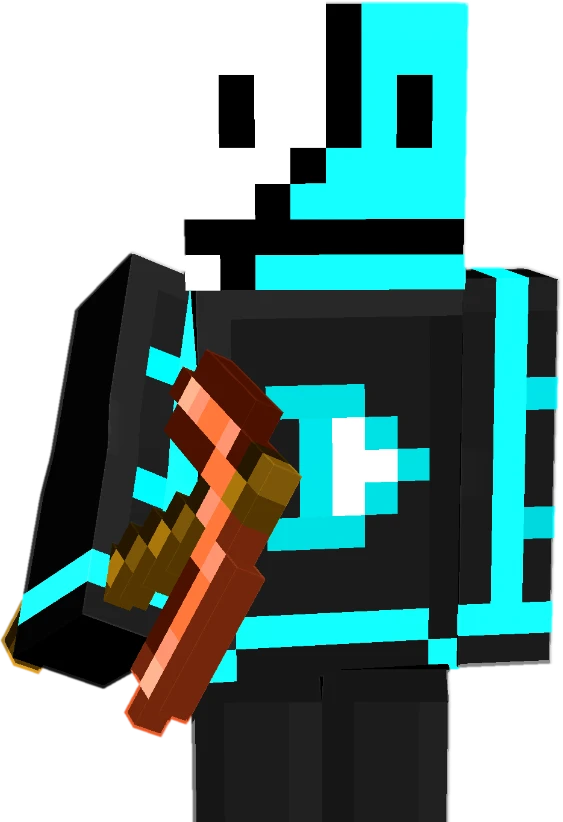

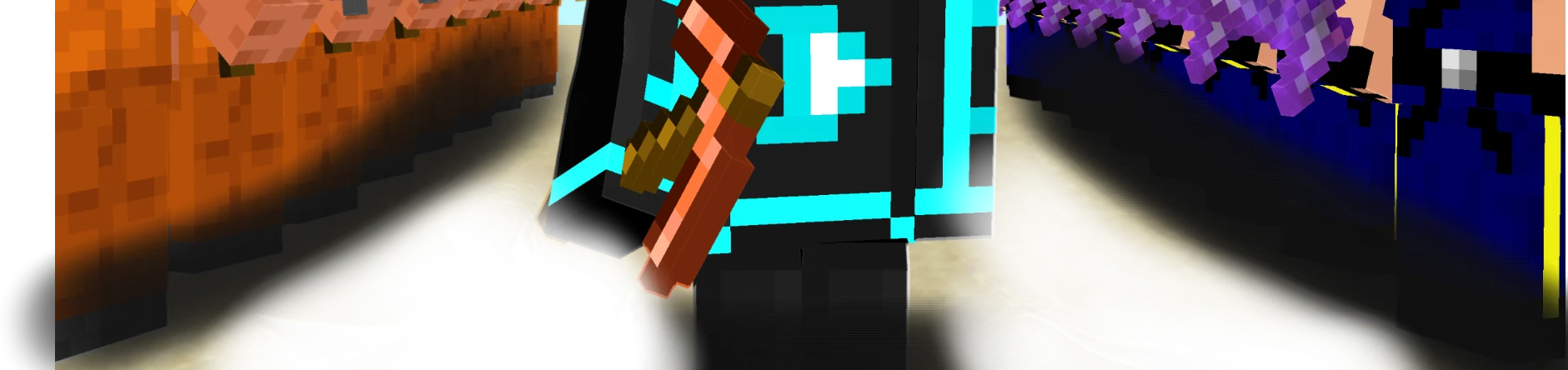
Sky, world, skin, crowd, title. Still separate.
- The sky: Set the time of day. The light on the rest of the thumbnail comes from here.
- The world: Add the ground. Grass, sand, snow, or the Nether.
- The crowd: Copy one skin into a line. It is still a pose, so you can turn it later.
- Your skin: Type a username. That player stands in the middle.
- The title: Add the words in block lettering. They stay 3D, so you can still turn them.
- The shade: Brush on the shadow and the glow. This is the last pass.
How MCRender started
One video, one Reddit post, and a lot of people asking for more.
It started with a Blender tutorial
I made a video showing how to render your Minecraft skin in Blender. It blew up. The comments all said the same thing: Blender is a lot to learn for one picture.
So I built a website instead
Type a username, pick a pose, download the render. Nothing to install. I posted it on r/Minecraft to ask what people wanted, and 160,000 people saw it.

Poses came first
The first version did one thing: your skin, posed and lit. Then creators asked for backgrounds, mobs, crowds and titles, so we kept building.
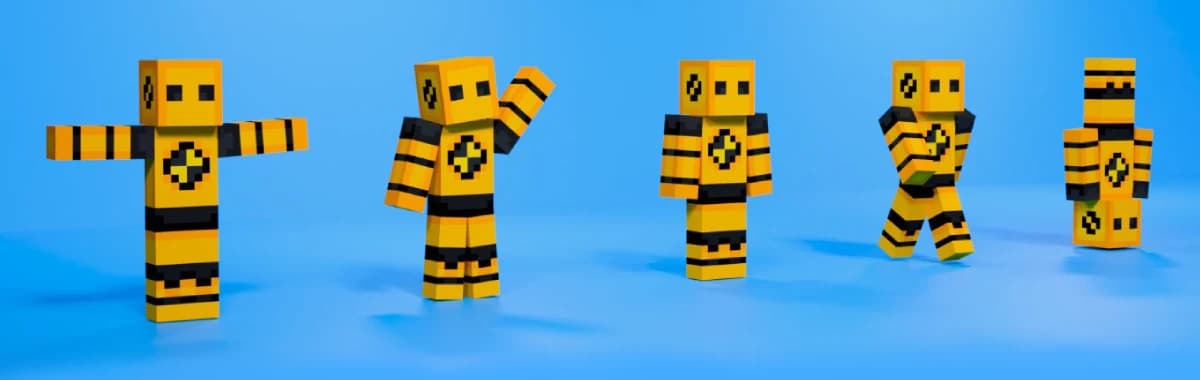
Now it makes the whole thumbnail
Sky, ground, a crowd, your skin and a 3D title, each on its own layer. Every layer stays editable, so you can change the skin after it is placed.
Today
40,000+
people render with MCRender every month.
4.9/5average rating

Start with your skin
Open any pose, drop your username on it, and download.
Why it is a subscription
Same reason every piece of software you use keeps getting better: someone has to keep building it.
Every tool you rely on is a subscription for the same reason: the work does not stop when you download it. Updates only ship if someone is paying to keep building.
MCRender is the same. You are not buying a one-time file. You are keeping a studio that keeps getting better for you.
4.9/5· 30,000+ creators
What creators say

iky
@ikyblocks
You did a great work, worth every penny and it’s even too cheap!
Jul 2026

GwarnySP
@gwarnysp
noo why are you taking my job
Thumbnail designerOct 2026

Kauã Dal Santo
@dalsantokaua
Thank you SO much. I wanted to start a Minecraft channel but had no idea how to make thumbnails. This is going to help me a lot.
Translated from Portuguese: “Cara muito OBRIGADO eu tava querendo começar um canal de Minecraft mas não tinha a menor ideia de como fazer tumba isso vai me ajudar muito”
Starting a Minecraft channelOct 2026

Dvitew
@Dvitewpng
Very cool!
Minecraft thumbnail artistOct 2026

NiiyTale
@Nii_Tale
I think it’s even easier to understand, even for making thumbs 0w0
Translated from Portuguese: “eu acho até mais facil de entender, até pra fazer thumbs 0w0”
Aug 2026

GerWolf
@ElGerWolf
This is really helpful, thank you so much!
StreamerJul 2026

Seltop
@Seltop7
this is lowkey sick what
Editor & graphic designerMay 2026

BlueDude
@AyooBlueDude
Wow saving this when I start making multi game content 😅
Content creatorOct 2026

Ford Wells
@ford_mid_wells
It looks great :)
Minecraft modder & artistJul 2026

Faxas
@Faxas01
Brother, I saw you on Instagram, you’re the best. 👌👌
Gaming creatorOct 2026
Questions, answered
Is MCRender free to use?
Yes. The free plan renders your skin in any pose and opens the Thumbnail Editor on a watermarked canvas. Paid plans remove the watermark and add HD and 4K exports, transparent backgrounds and layered PSD files.
How is a Minecraft thumbnail made in MCRender?
In layers, like the one above: a sky, your posed player, armies, blocks and items from your own Minecraft, a title and any paint or effects on top. Each 3D layer stays live, so you can turn the camera, change the pose or swap the skin after it's placed. Start from a template or a blank canvas.
Do I need Blender or Photoshop?
No. Everything runs in your browser: posing, lighting, title text, cut-outs and effects. There's nothing to install, and it works on any computer that can open a website.
Can I use my own Minecraft skin?
Yes. Type any Java or Bedrock username to fetch the skin, or upload a skin file. The same skin can be used for the player, an army or a whole crowd.
Can I edit a template?
Every layer of every template is editable, starting with the skin. Featured templates are free to open at https://www.mcrender.net/templates; the rest are part of Creator.
Can I make a Minecraft avatar or profile picture?
Yes. The Minecraft avatar maker at https://www.mcrender.net/pfp turns any username into a 3D avatar for Discord, YouTube, Twitch or X: pick a pose, a background or transparency, and download. It's free and needs no sign-in.
Is the Thumbnail Editor the same as the Studio?
No. The Studio at https://www.mcrender.net/studio poses one character. The Thumbnail Editor at https://www.mcrender.net/design builds the whole YouTube thumbnail, and https://www.mcrender.net/templates is the library of ready-made ones.
Your next thumbnail starts with your skin
Join 40,000+ people who render with MCRender every month.